Getting started
Orchestra documentation
Everything you need to build, run and export browser automations with Orchestra.
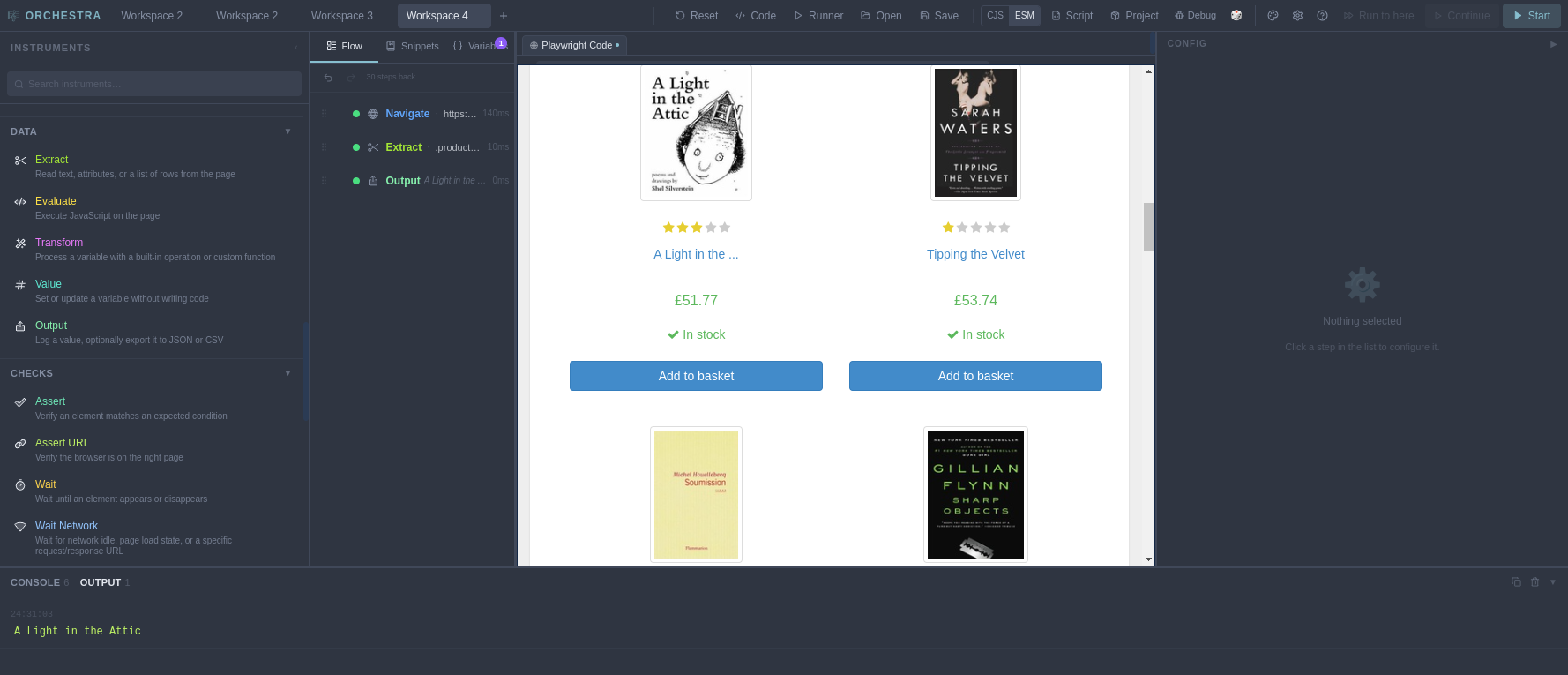
Orchestra is a desktop app for building browser automations visually. You compose a flow out of instruments — steps like Navigate, Click, Extract and Output — and watch it play in an embedded browser. Under the hood every flow is real Playwright code, and you can open it, edit it, and export it as a standalone script at any time.
You don't need to write code to use Orchestra. You don't need to install Node, a browser driver, or anything else — the app ships with everything included. And when a flow outgrows the visual editor, the code is right there.
How these docs are organized#
Getting started takes you from download to your first working automation: Installation, the Quickstart, and a tour of the interface.
Building flows covers the editing tools you'll use every day: recording actions from the browser, how selectors find elements, variables, step modifiers, and cues & snippets.
Running & output explains the run controls, the console and data export, and workspaces — how your work is saved.
Code covers the code view and exporting flows as standalone Playwright scripts.
The Instrument reference documents every instrument in the palette, category by category: Browser, Forms, Network, Data, Checks, Flow, Session & environment and Advanced.
Reference has the keyboard shortcuts and settings & themes, and Help collects troubleshooting fixes and the FAQ.
New here?#
- Install Orchestra — free download for macOS, Windows and Linux.
- Follow the Quickstart — build and run your first flow in about five minutes.
- Skim the interface tour so you know where everything lives.